
The comparison in one minute
Wix offers a wide toolkit, flexible visual editing, and business features that can grow with the site. Squarespace offers polished templates, a more opinionated design system, managed hosting, and integrated features. Both are legitimate choices for an owner who is willing to write, build, test, and maintain the site.
A professional designer is not simply a more expensive editor. The useful difference is responsibility: understanding the customer, shaping the message, deciding the page structure, producing the design, handling technical details, and checking that the finished site supports the business.
When Wix is the stronger fit
Wix can suit a hands-on owner who wants a large selection of features and detailed control without writing code. It can also suit businesses that need a particular built-in booking, membership, event, or ecommerce workflow and are comfortable learning the platform.
The freedom is also the risk. It is easy to add more sections, apps, type styles, and effects than the customer needs. Set a page plan and visual system before editing so flexibility does not turn into inconsistency.
When Squarespace is the stronger fit
Squarespace can suit portfolios, service firms, venues, and small shops that value a coherent visual starting point. Its constraints can help an owner reach a tidier result with fewer design decisions.
The trade-off is that a distinctive requirement may not fit the standard blocks cleanly. Check the exact features, payment fees, contributor limits, integrations, and renewal terms on the current official plan before choosing.
When a web designer is better value
Hire help when the business cannot afford weeks of trial and error, the offer is difficult to explain, the current site is not converting, several services compete for attention, or trust and differentiation matter more than simply being online.
A good designer should still make scope and ownership clear. Ask who writes the copy, how revisions work, what happens after launch, how the site can move later, and which ongoing charges are unavoidable.
Compare total effort as well as price
DIY has a cash price and a time price. Include planning, writing, image preparation, accessibility, mobile checks, forms, analytics, privacy work, search setup, and future changes. A professional route has a higher visible service cost but may reduce delay, rework, and missed opportunities.
There is no universal winner. The best option is the one the business can operate confidently and that produces a clear, credible path for customers.
Takeaway — Do not choose a website platform by template screenshots alone. Choose the operating model you can sustain after the launch excitement has passed.
Real client work
Built for real businesses and real enquiries
These are live client websites, each planned around a different customer decision and conversion route.
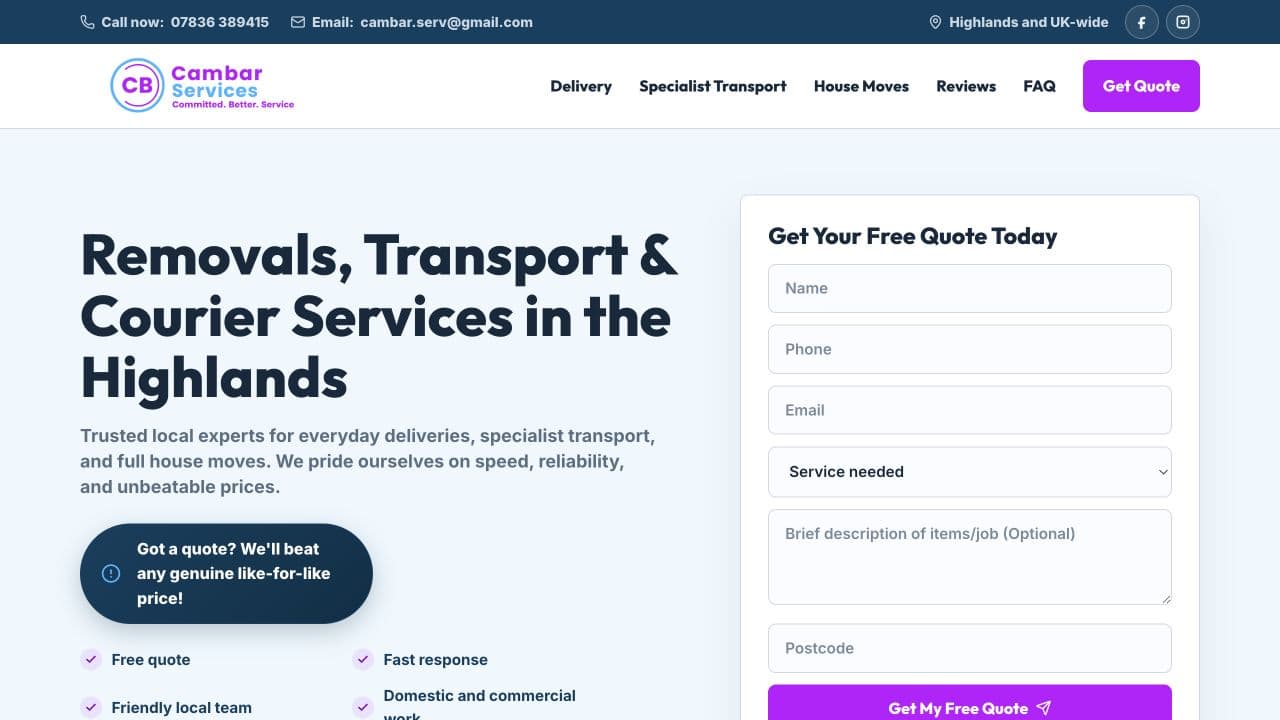
Cambar Services
Built for quote enquiries
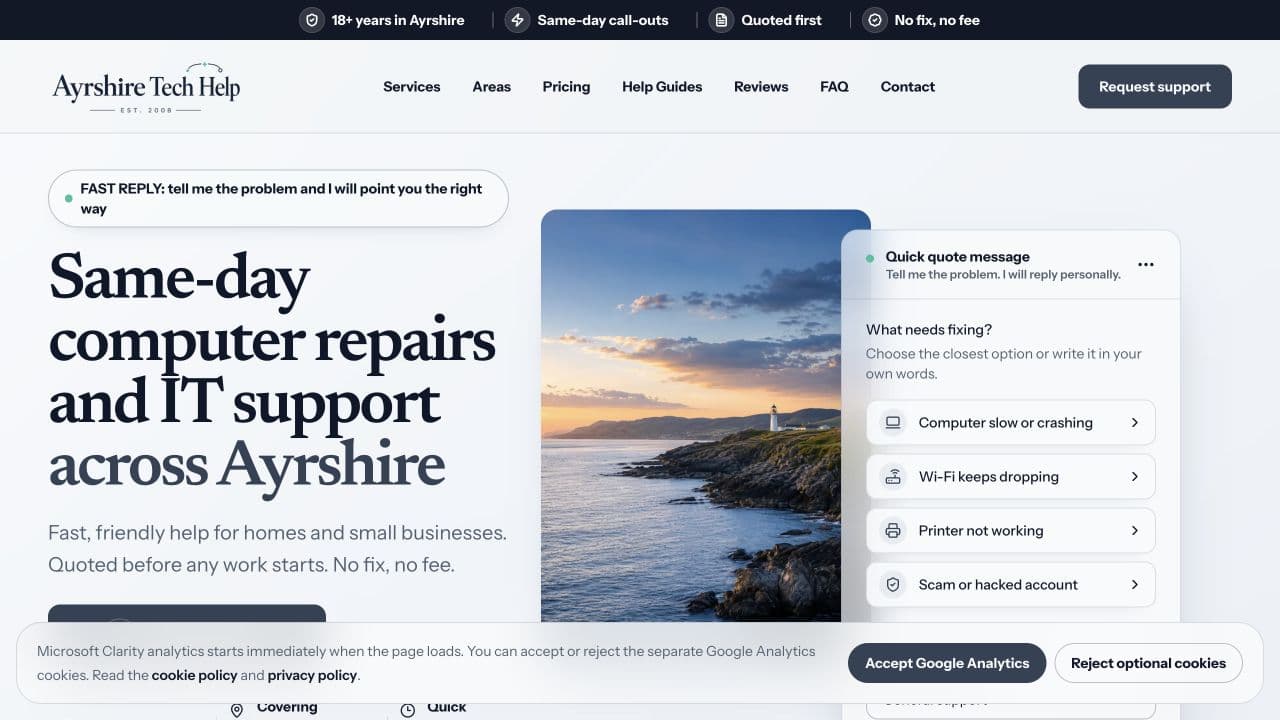
Ayrshire Tech Help
Built for local support enquiries
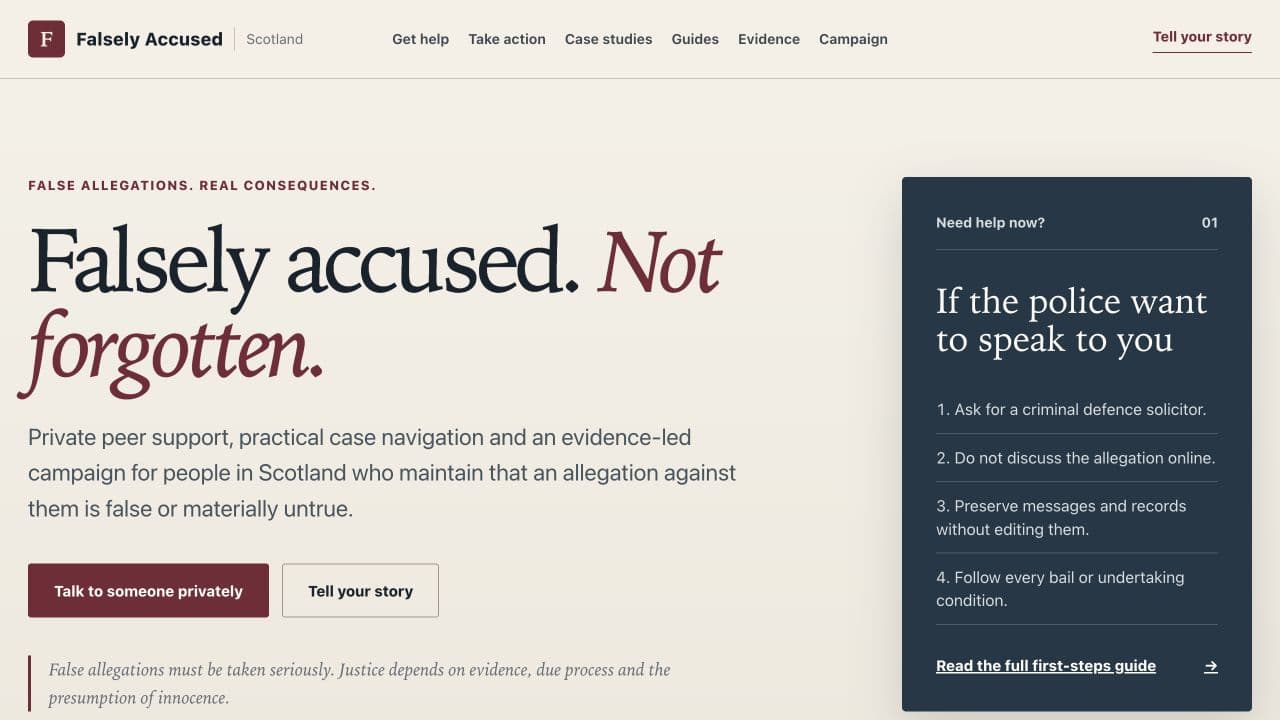
Falsely Accused Scotland
Built for clarity and safe navigation
Useful next step
Compare the £200 done-for-you option
See what is included when Standard Web Co handles the planning, bespoke design, build, launch, hosting, and ongoing small changes.
Compare the £200 done-for-you optionSources
- Wix Premium plan pricing — Wix
- Squarespace pricing plans and features — Squarespace
- Creating helpful, reliable, people-first content — Google Search Central
- SEO Starter Guide — Google Search Central