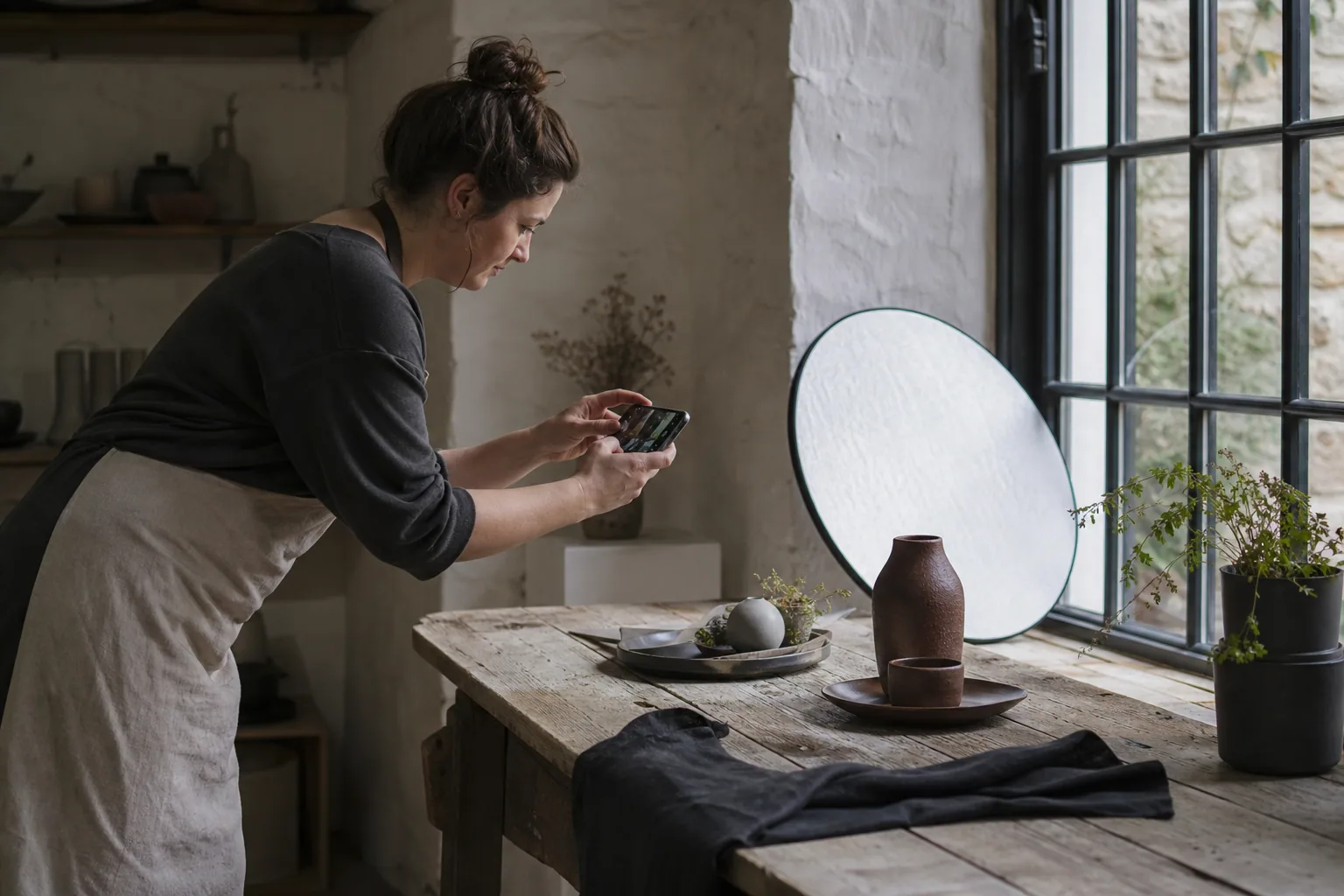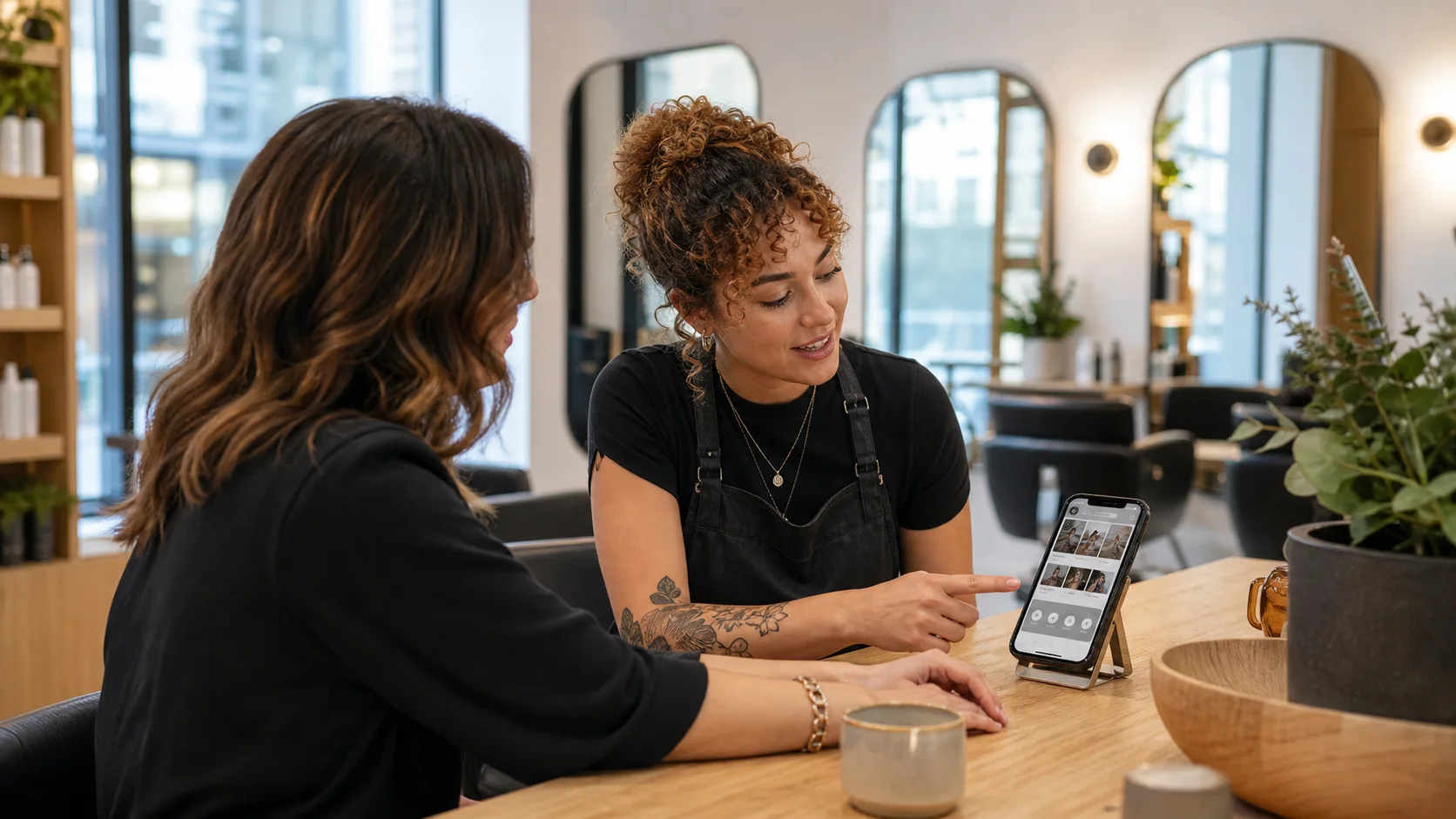
Example 1: the independent hair salon
Lead with the style of work, location, and type of client experience. Break services into useful groups such as cuts, colour, styling, treatments, and consultations. Give price-from guidance only when the factors affecting the final price are explained.
Introduce the team with real roles and strengths. A customer choosing colour correction wants different evidence from someone booking a routine cut.
Example 2: the beauty or aesthetics-led salon
Trust requires more than glossy results. Explain the treatment, who provides it, suitability, consultation process, expected course, aftercare, and when professional or medical advice is required. Do not make results promises that the business cannot support.
Use consistent before-and-after photography only with appropriate consent and honest context. Avoid filters that make outcomes difficult to judge.
Example 3: the nail technician or small studio
A compact site can still answer the important questions: location, services, price bands, appointment length, removal or repair policies, current work, and how to book. Make the practical route stronger than the social-feed embed.
Social platforms are useful discovery channels, but the website should keep essential information available even when a visitor is not logged in.
Make the booking hand-off dependable
Label the booking button clearly and tell customers what happens next. If a third-party system opens, make sure the service names and prices match the website. Test the journey on a phone and check confirmation messages, deposits, rescheduling, and cancellation rules.
Keep a contact route for customers who are unsure what to book. A short consultation prompt can prevent unsuitable appointments and reduce admin later.
The salon website checklist
The customer should leave the website knowing whether the salon is suitable, which service to choose, who may provide it, what it is likely to cost, and how the appointment works.
- Clear services, price guidance, and appointment lengths
- Team expertise and relevant trust information
- Real gallery work organised by service
- Location, access, parking, and opening information
- Consultation, deposit, cancellation, and aftercare policies
- A tested mobile booking and contact route
Takeaway — A beautiful salon website earns the booking by reducing uncertainty, not by hiding detail behind imagery.
Real client work
Built for real businesses and real enquiries
These are live client websites, each planned around a different customer decision and conversion route.
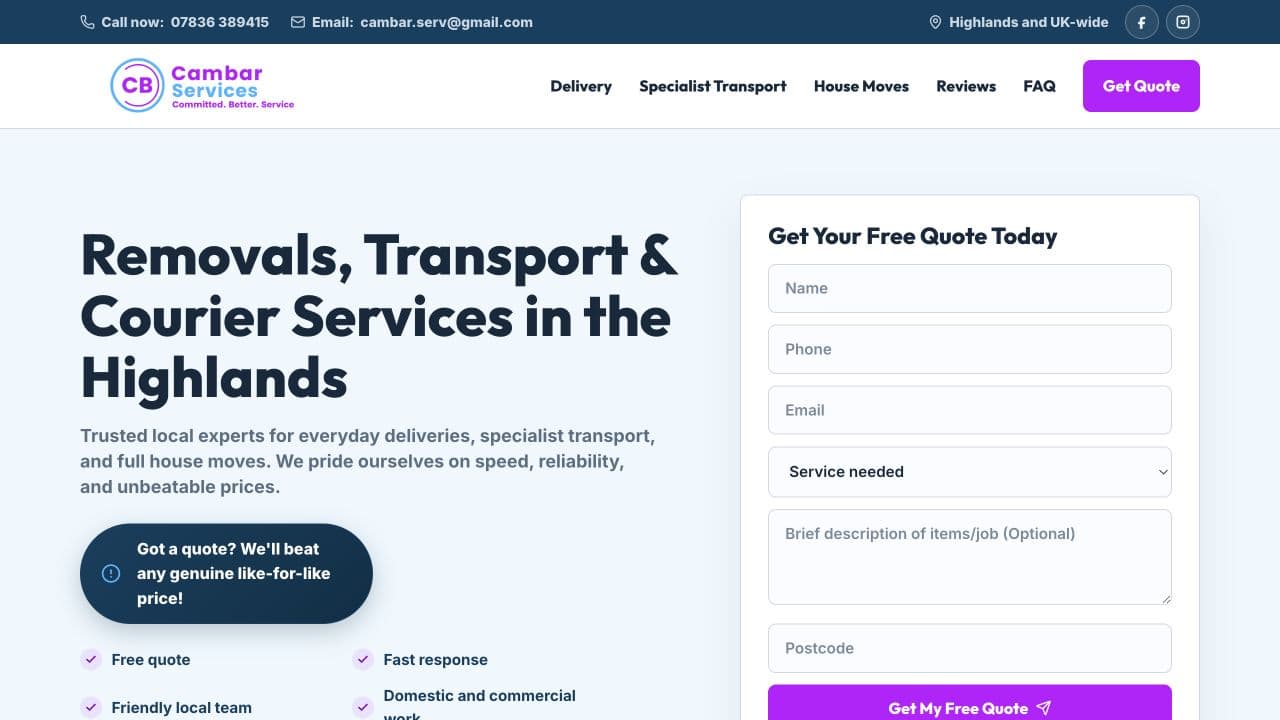
Cambar Services
Built for quote enquiries
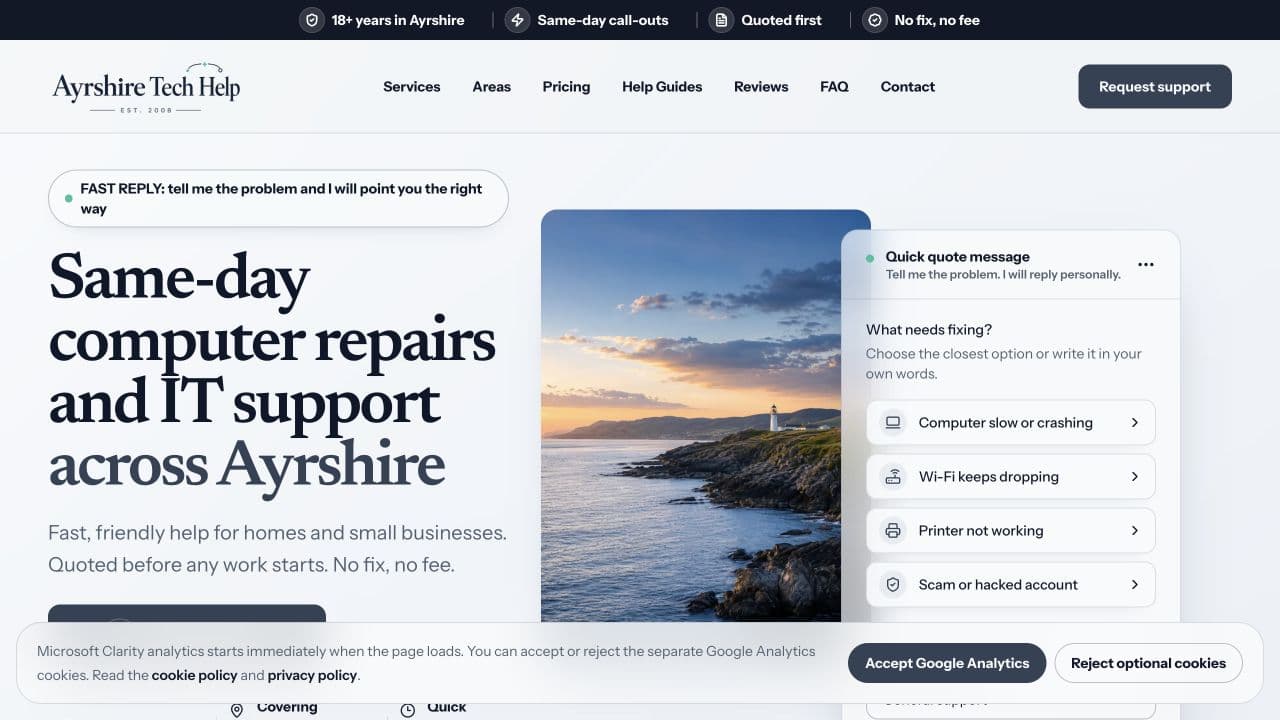
Ayrshire Tech Help
Built for local support enquiries
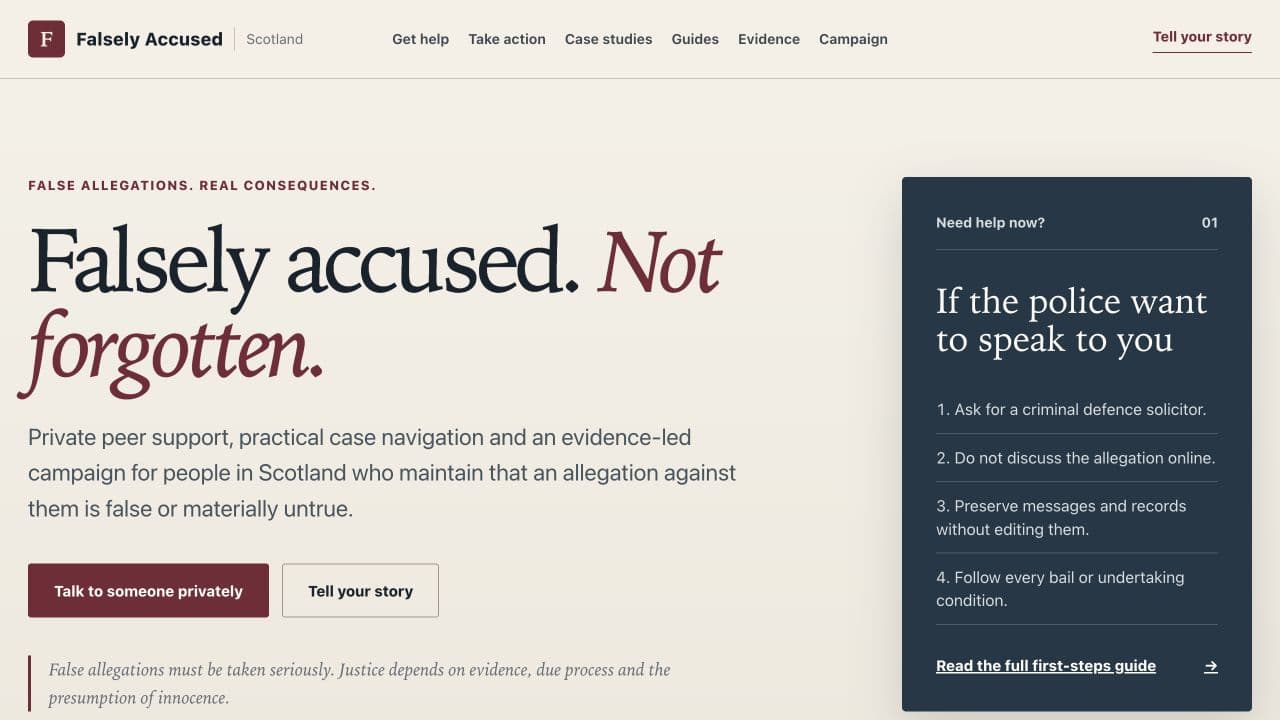
Falsely Accused Scotland
Built for clarity and safe navigation
Useful next step
See Standard Web Co's salon website work
Review a salon case study and visual concepts built around services, trust, galleries, and booking.
See Standard Web Co's salon website workSources
- Creating helpful, reliable, people-first content — Google Search Central
- SEO Starter Guide — Google Search Central
- Google image SEO best practices — Google Search Central
- WCAG 2 Overview — W3C Web Accessibility Initiative