Begin with the questions a customer wants answered
A restaurant customer wants to see the room and food. A clinic patient wants to understand the space and people. A homeowner wants evidence of finish and care. A retail customer wants accurate product detail.
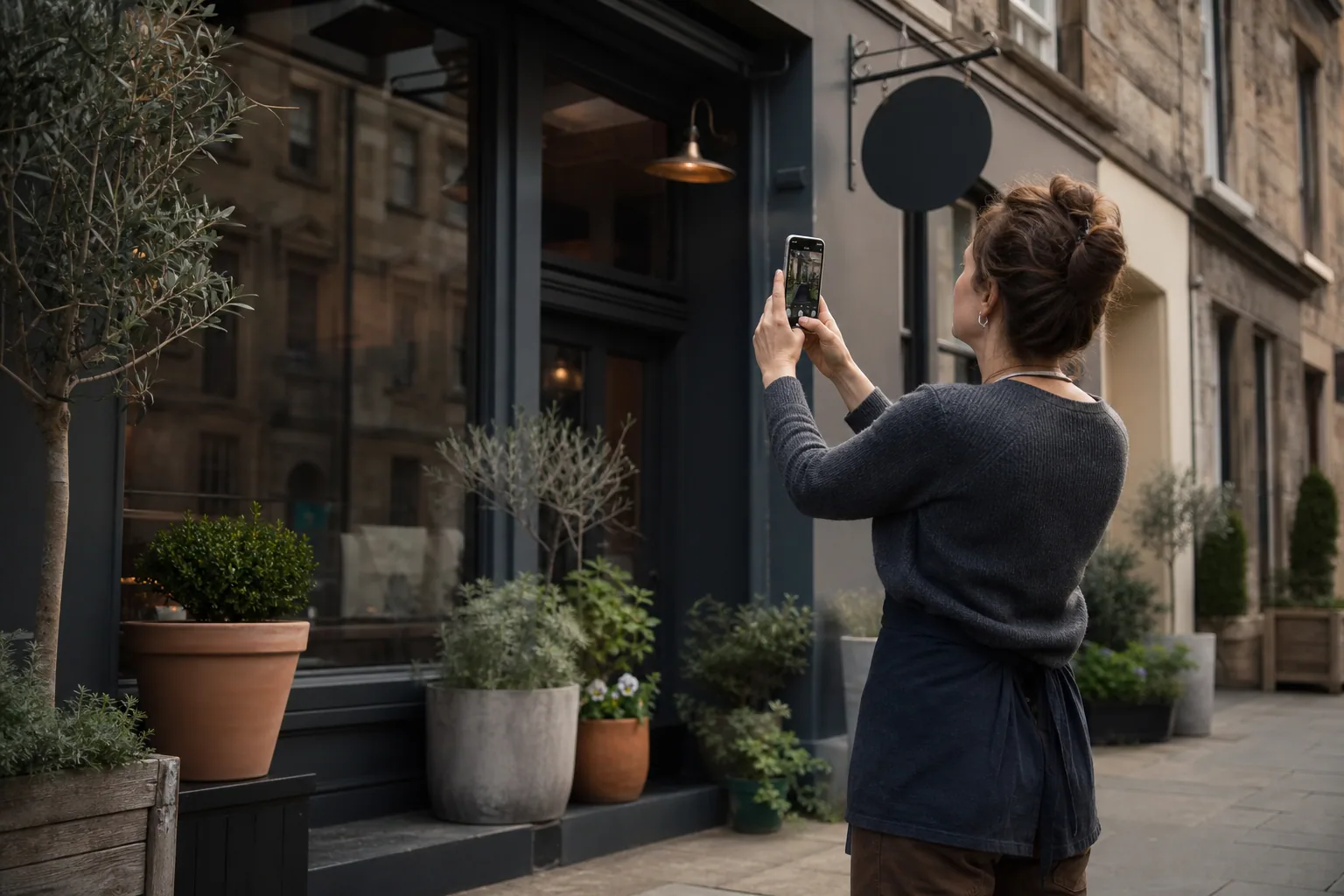
Turn those questions into a shot list. Include the exterior, interior, team, process, tools or materials, representative outcomes, detail shots, and practical access information where relevant.
Use light before equipment
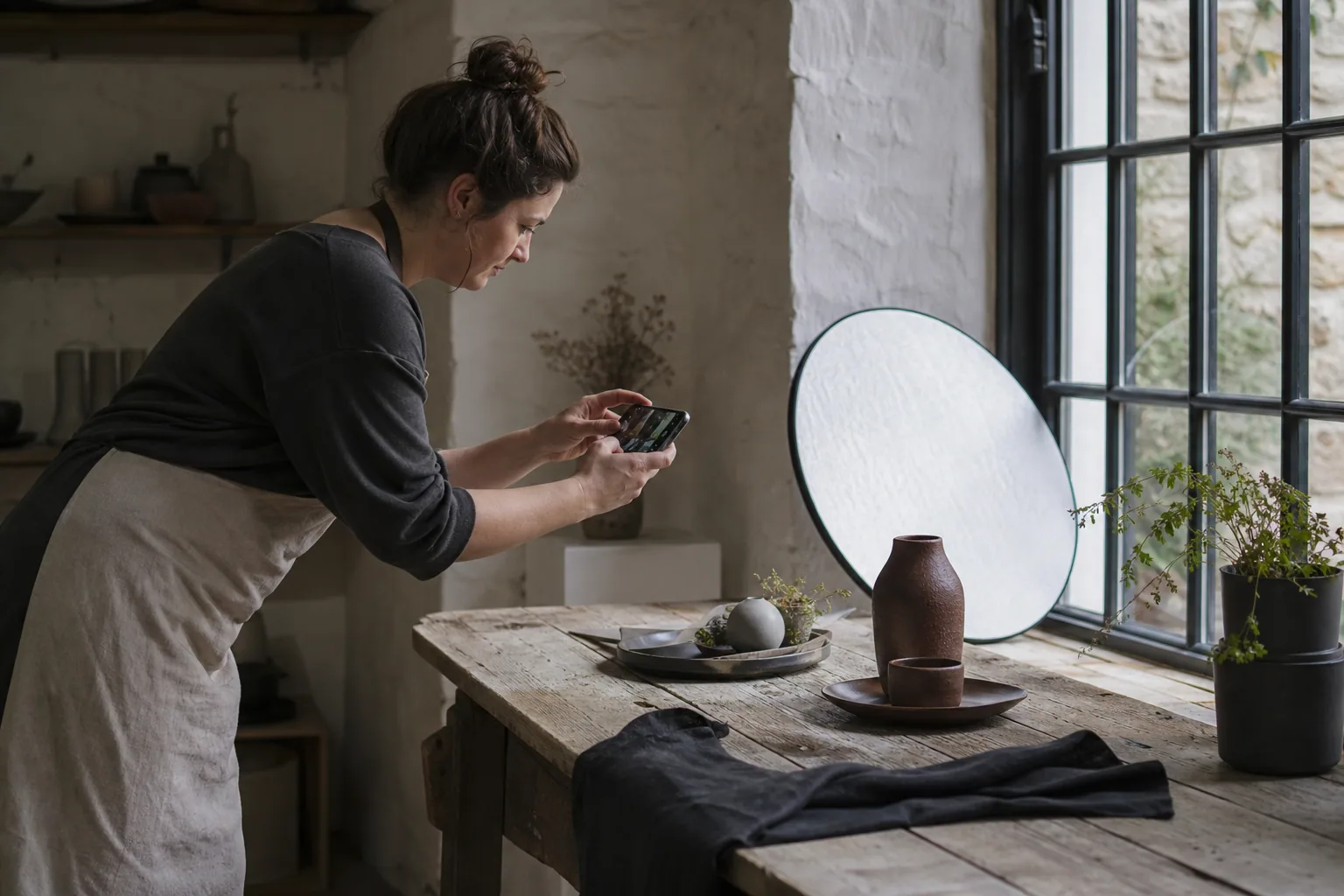
Clean the phone lens, switch off harsh mixed lighting where possible, and work near a large window or outdoors in open shade. Tap the important subject to set focus and exposure, then reduce brightness slightly if highlights are losing detail.
Avoid digital zoom. Move closer or crop later. Hold the phone steadily, keep vertical lines straight for rooms and buildings, and take several variations rather than relying on one frame.
Create consistency without making everything identical
Photograph a set in the same session, with a similar light direction, colour treatment, and level of tidiness. This makes the website feel coherent even when subjects vary.
Capture wide establishing images, medium working shots, and close details. Leave some uncluttered space in selected frames so headings can sit beside the subject without covering it.
Show people and work honestly
Photograph real activity rather than asking everyone to stare at the camera. Hands preparing food, fitting a hinge, assessing movement, packaging an order, or discussing a plan make the service understandable.
Get permission from staff, customers, and identifiable visitors. Do not expose confidential documents, addresses, vehicle details, screens, patient information, or children's identities without appropriate consent.
Prepare images for the website
Select the strongest frames, correct exposure and colour gently, and export at the dimensions the website needs. Keep an original archive before resizing. Descriptive filenames can provide a small contextual clue to search engines and make the library easier to manage.
Alternative text should describe the useful visual information in context. It is not a hidden keyword field. Decorative images can use empty alternative text so assistive technology does not narrate them unnecessarily.
Takeaway — A focused hour creating useful, consistent photographs can improve trust more than a large folder of generic stock images.
Sources
- Google image SEO best practices — Google Search Central
- WCAG 2 Overview — W3C Web Accessibility Initiative