Begin with the details Google and customers must trust
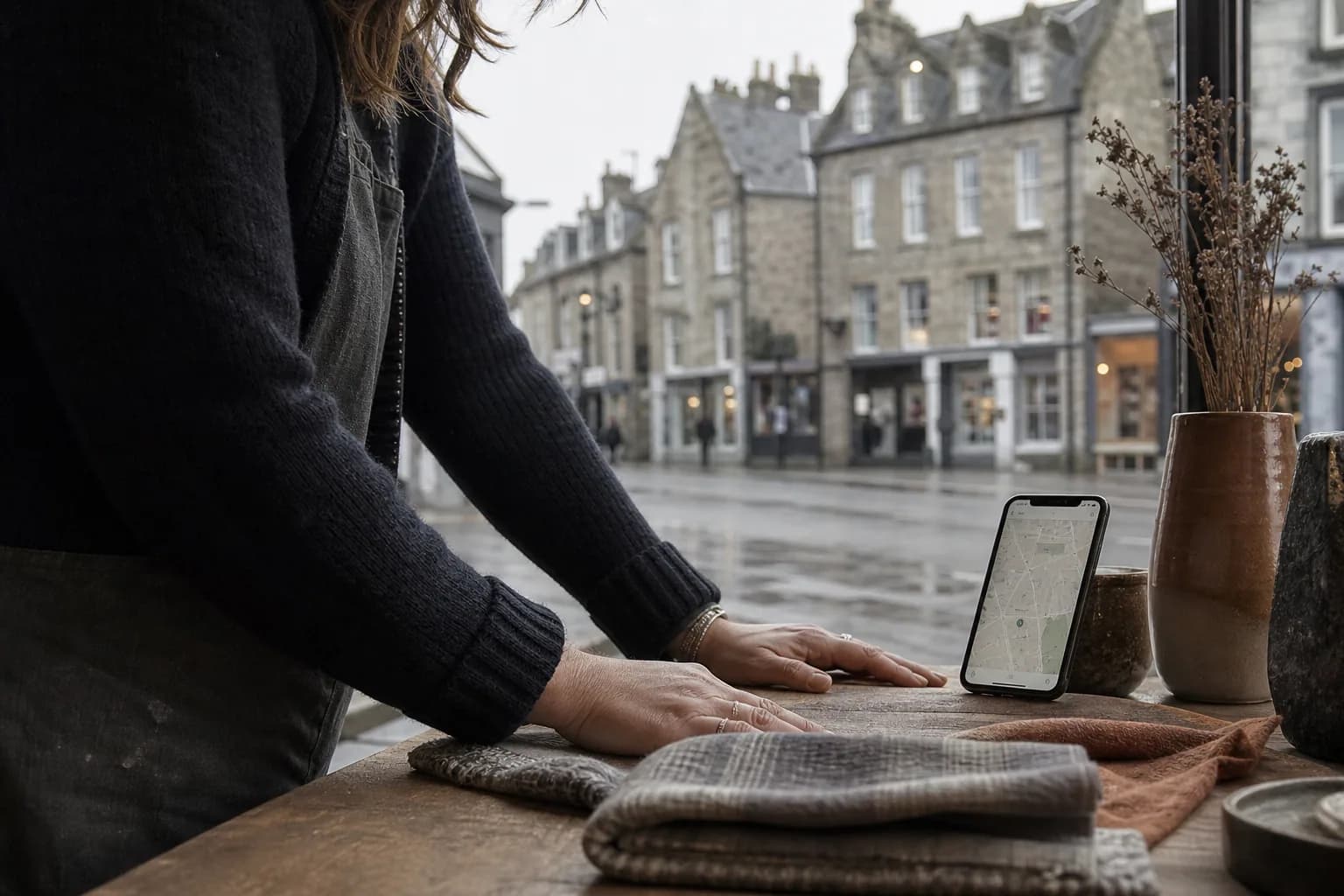
Use the business name as it appears in the real world. Do not add services, locations, or slogans to the name unless they are genuinely part of it. Make the phone number, address, service area, and opening hours precise, then verify the profile.
For businesses that travel to customers, configure the service area honestly. Listing places you cannot realistically serve may create poor leads and a bad customer experience even if it appears to widen reach.
Choose categories and services with discipline
Google recommends choosing a specific primary category that best describes the business. A specialist category can help the platform understand the service more accurately than a broad label.
Add secondary categories only when they represent meaningful parts of the business. Then list services in customer language, with concise descriptions where available. Avoid turning every service field into a list of locations or promotional claims.
Use photographs to answer buying questions
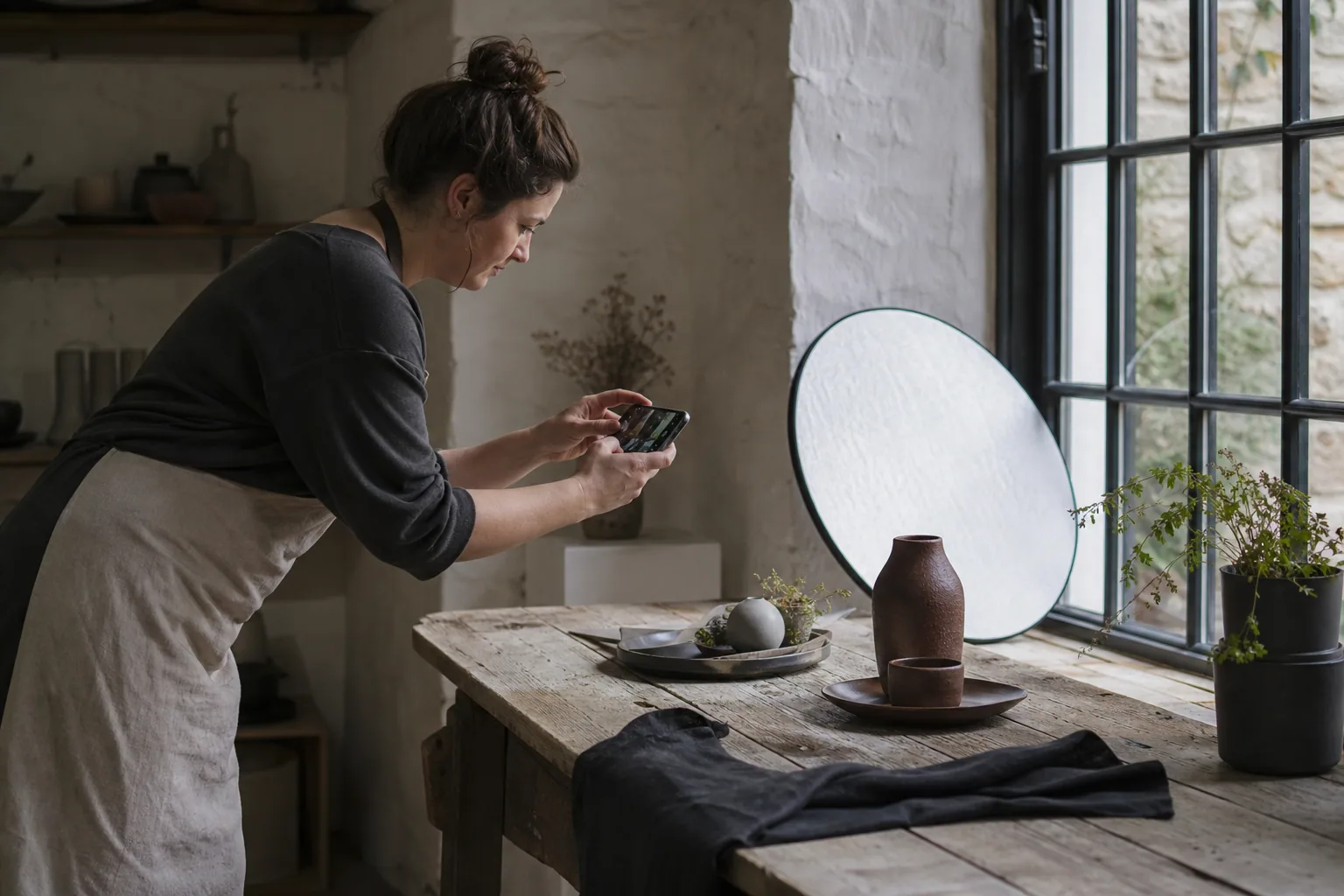
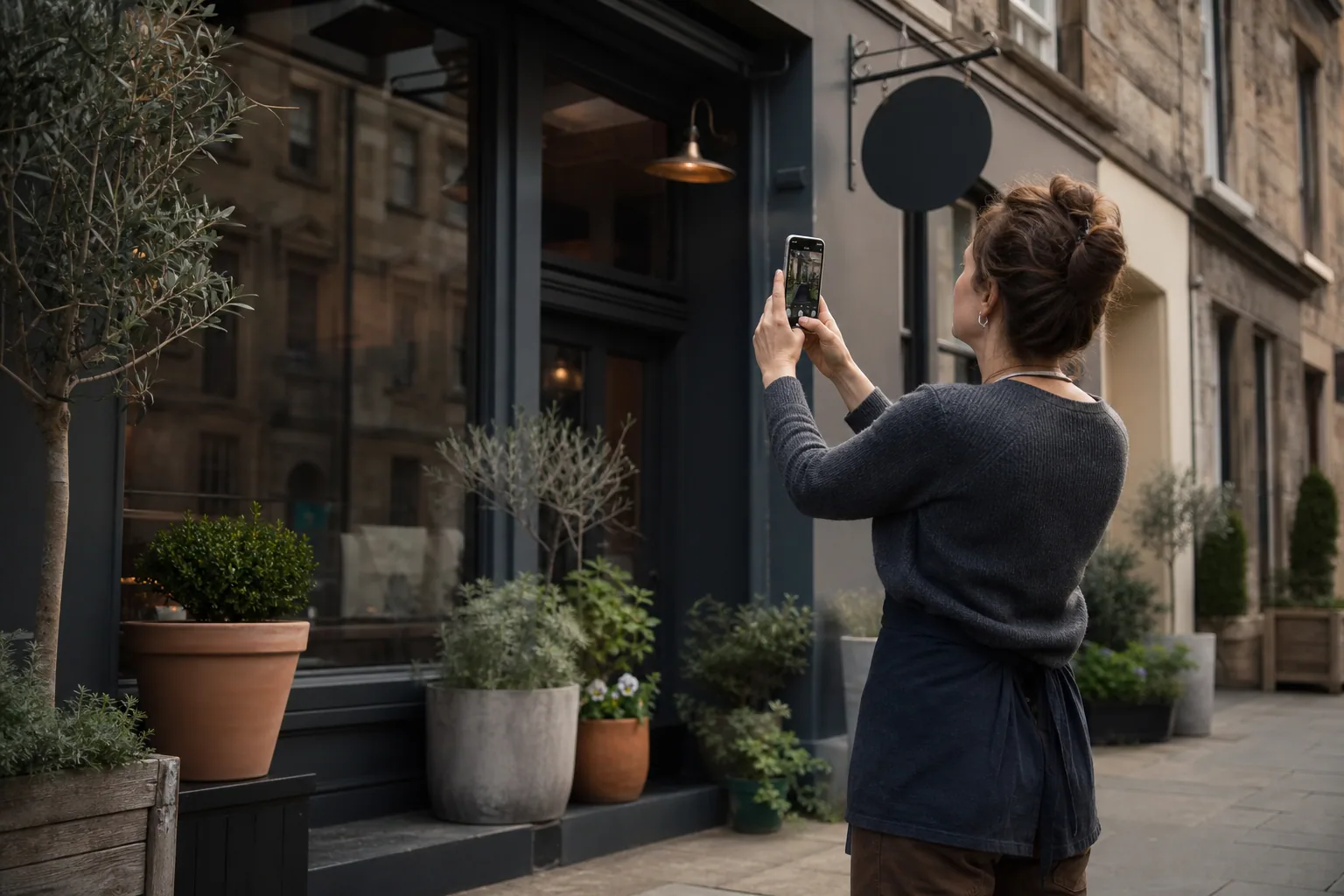
A customer wants to know whether the place is welcoming, the workmanship looks real, the team appears credible, parking is practical, or the finished product matches their taste. Choose photographs that answer those questions.
Add a clean exterior, recognisable interior, team at work, representative services or products, and useful access details. Refresh the set as the business changes. Strong photographs do more than decorate the profile; they reduce uncertainty before the call.
Build a review routine that feels human
Ask customers directly after a successful outcome, and make the route simple. Never offer rewards for positive reviews or pressure customers to use specific wording.
Reply with enough detail to show attention without revealing private information. Thank the reviewer, acknowledge the service or experience, and address criticism calmly. The reply is written for future customers as much as for the original reviewer.
Send clicks to the right page
The website should continue the message rather than forcing the customer to start again. A booking link should reach a booking path. A service link should explain that service. A restaurant menu link should open the current menu, not a generic homepage.
Check every link from a phone, confirm forms and calls work, and add tracking where appropriate. Review profile performance alongside website enquiries to understand the full journey from local search to action.
Takeaway — A well-run profile removes small doubts until calling, visiting, or booking feels like the natural next step.
Sources
- Tips to improve your local ranking on Google — Google Business Profile Help
- Manage your business category — Google Business Profile Help
- Guidelines for representing your business on Google — Google Business Profile Help