
1. Decide what success means
A website cannot be judged by whether it looks modern in isolation. Decide what should happen after the right person visits: call for an urgent repair, request a quote, book an appointment, visit the premises, or ask for a consultation. One primary outcome gives the pages a useful hierarchy.
Write down the audience, service area, most valuable service, strongest reason to choose the business, and the main action. If those five answers are vague, a template will only make the uncertainty look tidier.
- Primary customer and the problem they need solved
- Main service or offer to prioritise
- Geographic area the business genuinely serves
- Evidence that makes the claim believable
- One low-friction next action
2. Plan the smallest useful page set
Most owner-led firms need a clear homepage, focused service pages, an about or trust page, examples or case studies, and a contact route. Add location pages only when they contain real local information. Add advice content only when it helps a customer make a decision the business understands.
Give every subject one obvious home. Repeating the same service across several near-identical pages makes the site harder to navigate and can cause pages to compete for the same search intent.
3. Write answers before decorating them
For each page, answer what the service is, who it suits, what is included, how the process works, what it costs or how pricing is decided, what proof exists, and what happens next. Write as the business speaks to a real customer. Remove claims such as high quality or leading provider unless evidence follows immediately.
Google's people-first guidance asks whether a reader will leave feeling they have learned enough to achieve their goal. That is a better editorial test than reaching an arbitrary word count.
4. Build for the phone and the hesitant customer
Use readable type, strong contrast, descriptive headings, compressed images, and controls that are easy to tap. Keep important contact details near the point where a visitor is likely to decide. A form should ask only for information needed to make the next response useful.
Design should express the character of the business, but it must also reduce effort. Motion, video, and oversized photography are only valuable when they support understanding rather than delay it.
5. Complete the search and trust foundations
Use a unique, descriptive title and H1 for each page, a concise URL, accurate contact and location information, useful alternative text, and internal links that explain where they lead. Search optimisation helps people and search engines understand the site; it does not require repeating a keyword in every paragraph.
Make authorship, business ownership, policies, and contact details easy to find. If the business collects personal information, explain what is collected and why. If optional tracking is used, make the implementation and notice match the legal advice the business has received.
6. Launch with a real checklist
Test the site at common phone and desktop widths, use the keyboard to reach every control, submit every form, tap every phone and email link, check social previews, and proofread the factual details. Confirm redirects if old URLs are changing and connect appropriate analytics and search tools.
After launch, review enquiries, customer questions, broken links, opening hours, prices, team details, and portfolio work. A website is more credible when it stays accurate than when it publishes constantly.
Takeaway — A successful build is a clear business decision translated into useful pages, credible proof, and a dependable path to action.
Real client work
Built for real businesses and real enquiries
These are live client websites, each planned around a different customer decision and conversion route.
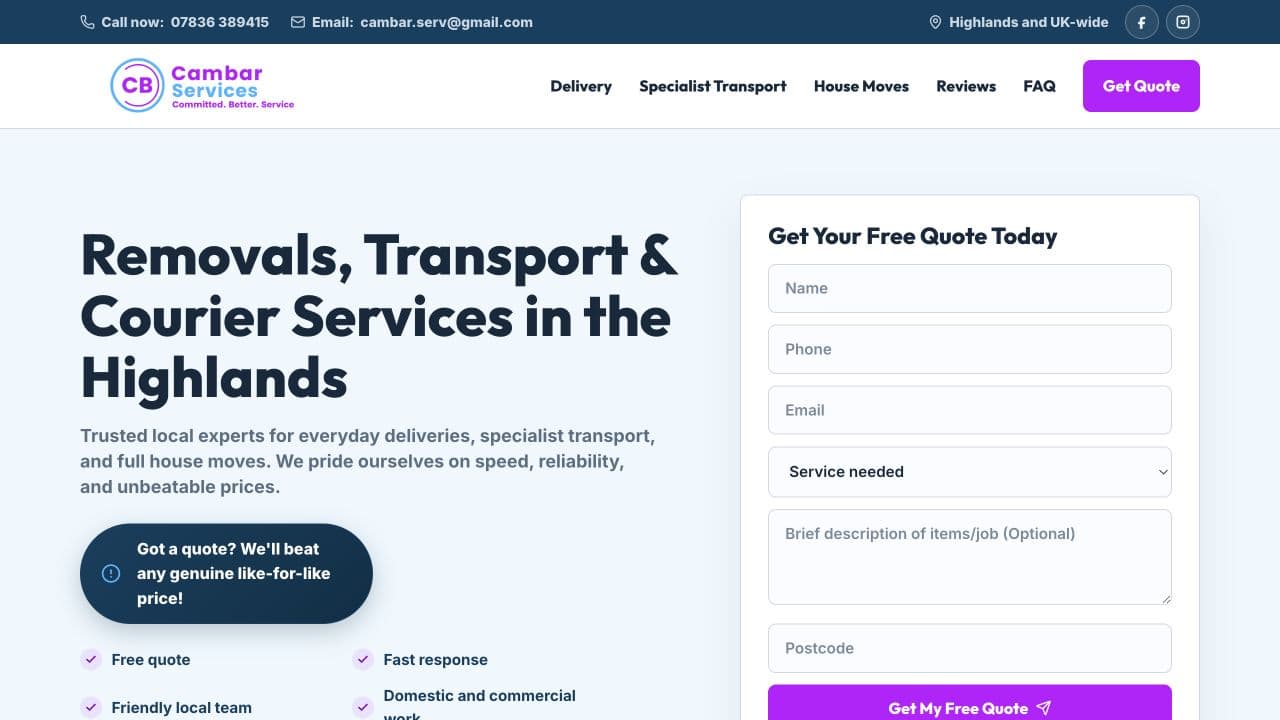
Cambar Services
Built for quote enquiries
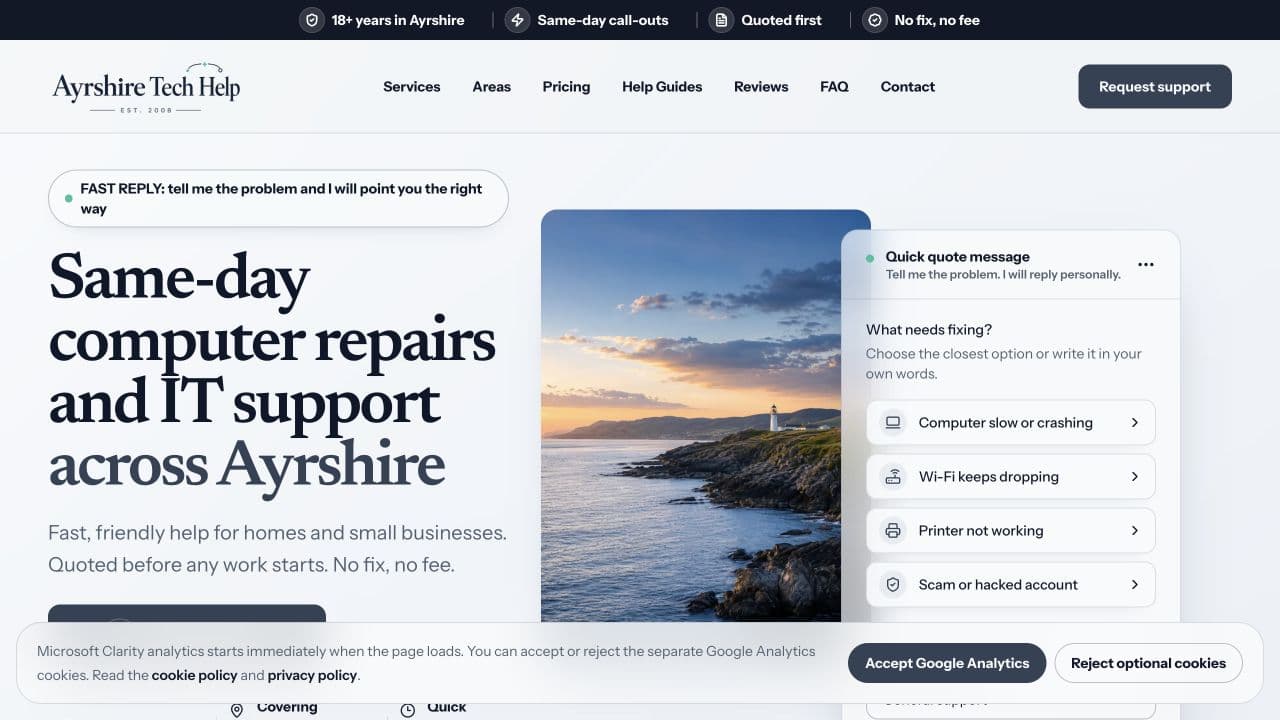
Ayrshire Tech Help
Built for local support enquiries
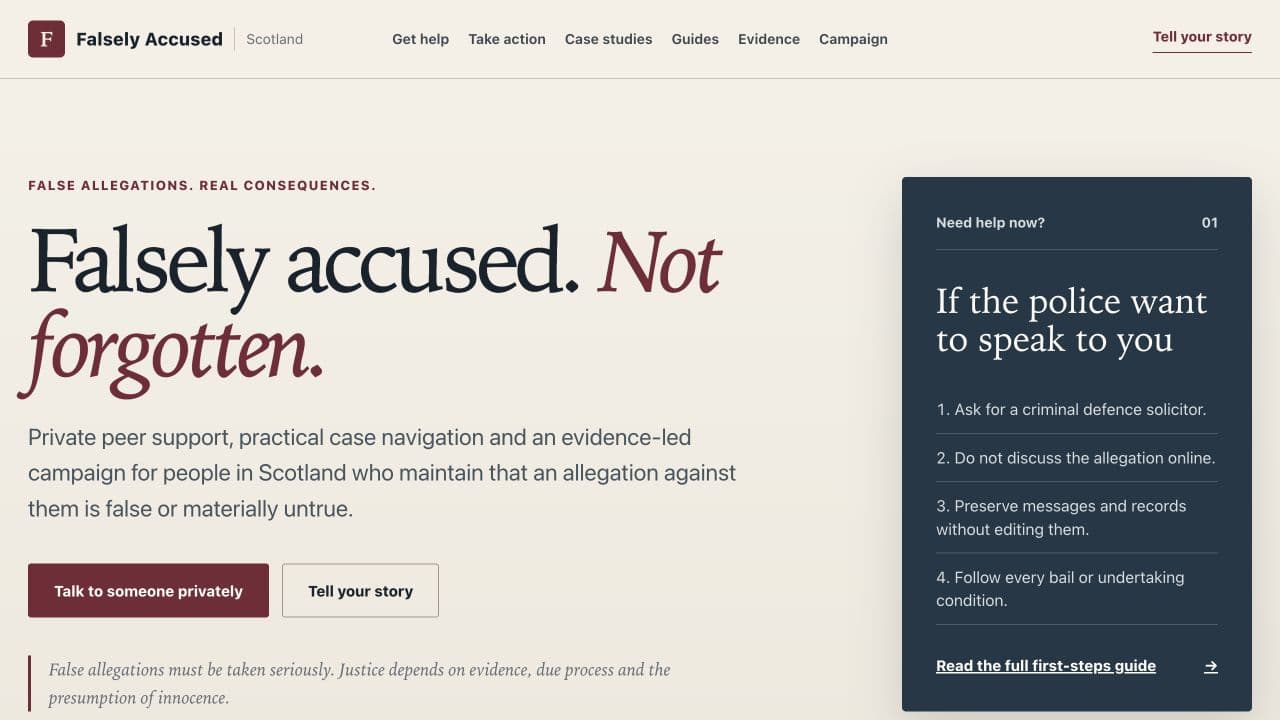
Falsely Accused Scotland
Built for clarity and safe navigation
Useful next step
See how Standard Web Co builds your website
Review the practical steps from the first free homepage direction through content, build, approval, launch, and ongoing care.
See how Standard Web Co builds your websiteSources
- Creating helpful, reliable, people-first content — Google Search Central
- SEO Starter Guide — Google Search Central
- Google image SEO best practices — Google Search Central
- WCAG 2 Overview — W3C Web Accessibility Initiative